Create your first (tutorial) project
Create a tutorial project to learn the framework before starting a real game adaptation. You can choose between 2 games:
| Game | Quick description |
|---|---|
| Hearts | A trick-taking card game: avoid taking hearts and the queen of spades to score the fewest points. |
| Reversi | A strategy game for 2 players: place discs on an 8×8 board to surround and flip your opponent's discs, aiming to finish with the most discs of your color. |
Choose a game you like or know, or the one closest to the project you want to bring to BGA. You can also do both!
Create the tutorial project
- Sign in to BGA Studio with your main developer account, such as
YourNickname0. - Open Manage Games, then Create a new TUTORIAL project, or open the tutorial project form directly.
- Choose a project name, for example
<Reversi/Hearts>YourNickname, and click Create Project.
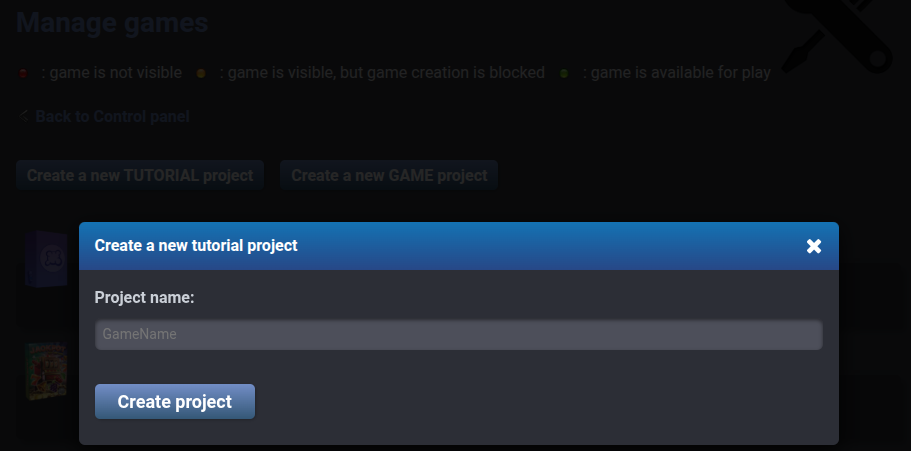
Studio creates the initial game skeleton and a project folder on its SFTP server. Keep your project name handy: you will use it to configure file synchronization in VSCode.
Run it!
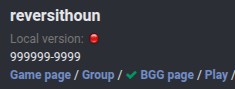
On the Manage games page in Studio, click on your newly created project.
Click Play in the top banner.
In the dropdowns at the top, select Simple game, Turn-based and Manual, then click Create.
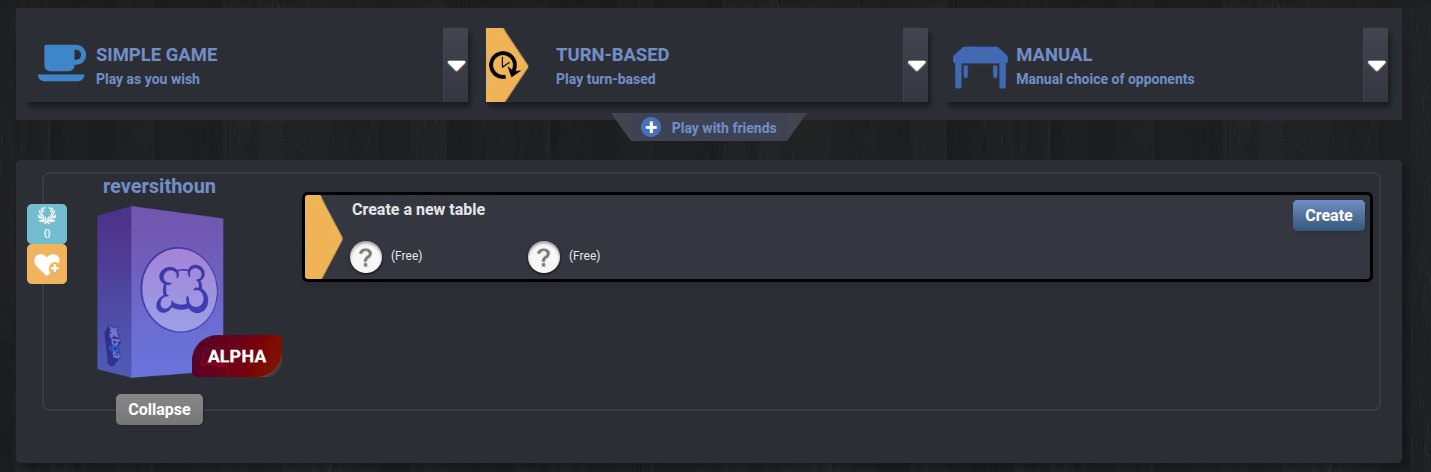
Click Express Start. This starts the table and makes your players join automatically.
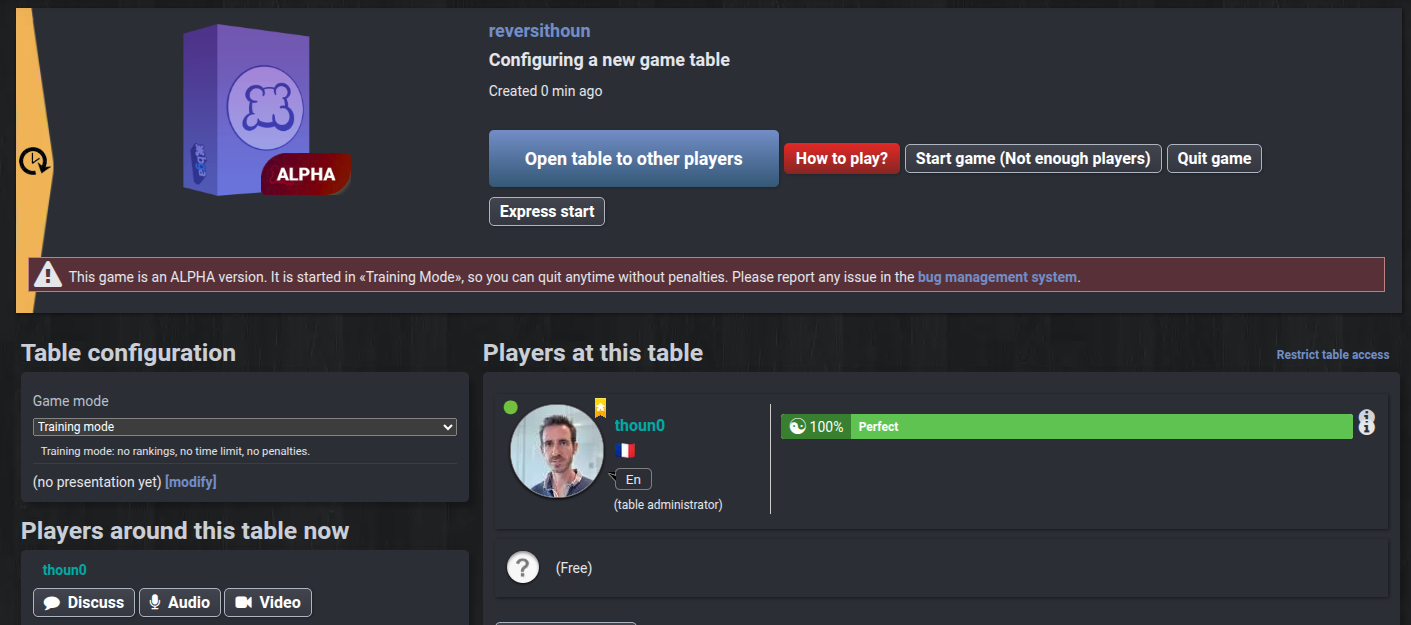
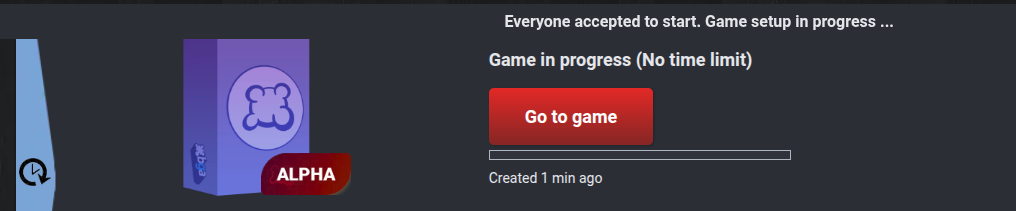
Click on Go to game.
You should see your game running!
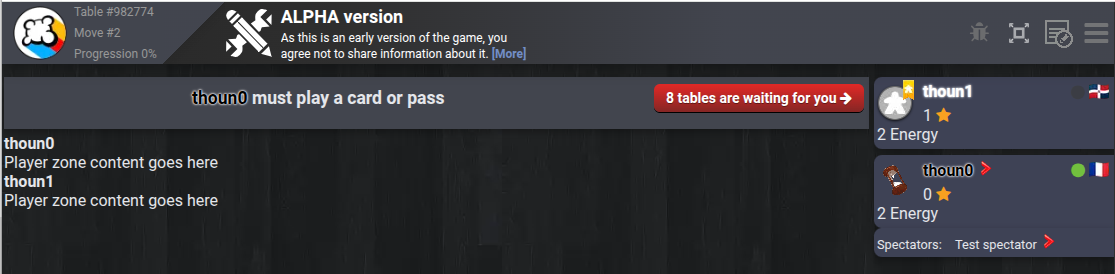
If you're not the active player, click the red arrow on the active player's panel.
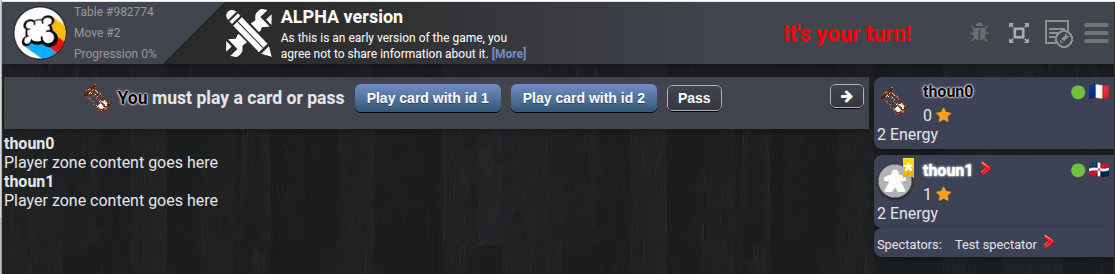
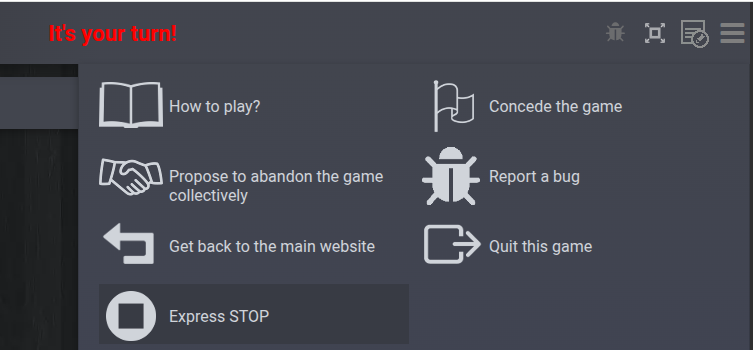
For now, it's just a skeleton example. Feel free to play around with it. In the menu at the top right, click Express Stop to close this table.